


Power BI Pro vs Premium: The Best Comparison Guide

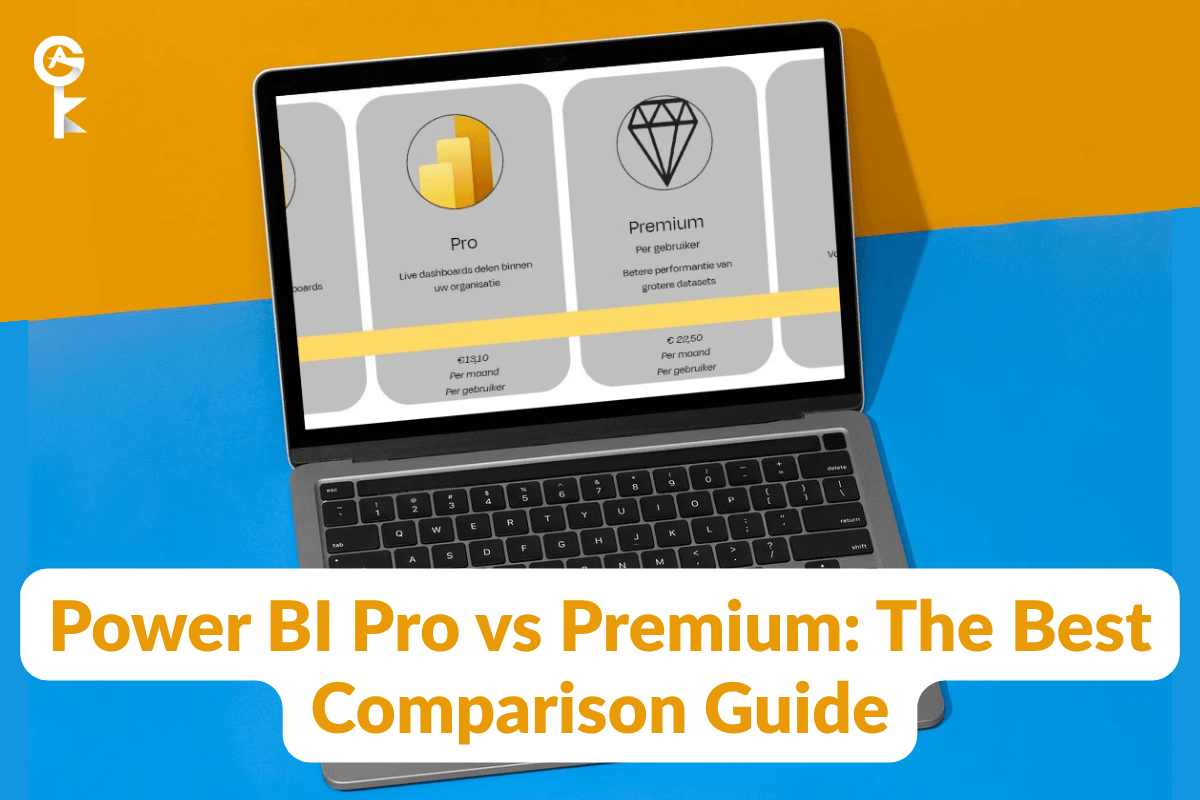
Choosing the right analytics tool often comes down to power bi pro vs premium. Both options give business teams powerful data visualization tools, but their capabilities differ significantly. Deciding which path to take can save your organization thousands of dollars every year.
Table of Contents
- Understanding the Licensing Basics
- Core Feature Breakdown and Limitations
- Performance, Storage, and Data Refresh Rates
- Advanced AI Capabilities and Paginated Reports
- Pricing Models and Cost Efficiency for Teams
- Security, Governance, and Multi-Geo Deployment
- How to Choose the Right License for Your Organization
- Step-by-Step Upgrade Instructions
- Final Verdict
Understanding the Licensing Basics
When analyzing power bi pro vs premium, user role requirements determine your primary direction. Power BI Pro is a standard individual license aimed at active report creators. Every individual user who builds, publishes, or views dashboards needs an active Pro license assigned to their account.
On the other hand, Premium introduces options for enterprise-wide sharing without licensing every single viewer. Under capacity-based licensing, your organization pays for hardware resources rather than individual user seats. This structure allows thousands of passive users to consume reports without extra seat costs.
To start building dashboards, analysts can download Desktop applications via the official Microsoft Power BI download page. Once content is created, your chosen service tier dictates how smoothly reports distribute across the business. Getting this foundation right keeps your entire analytics pipeline running without unexpected operational hitches.
Core Feature Breakdown and Limitations
Understanding the technical features in power bi pro vs premium is essential for data architects. Pro accounts provide reliable base functionality for general business intelligence needs. Users can connect to hundreds of data sources, build interactive reports, and share workspaces easily.
However, Pro places tight boundaries on model sizes and sharing methods. Workspaces operating on Pro licenses share cloud hardware with other global tenants. That shared setup means query speed depends partially on general cloud traffic levels.
Premium removes these constraints by offering dedicated cloud infrastructure or specialized per-user tiers. Creators gain access to advanced dataflows, enhanced deployment pipelines, and custom security controls. These upgraded capabilities streamline development pipelines for complex engineering teams.
Performance, Storage, and Data Refresh Rates
Data refresh limits represent a massive divider in the power bi pro vs premium comparison. Pro licenses allow up to eight scheduled data refreshes per day. For daily operations, eight refreshes keep summaries sufficiently updated for executive reviews.
If your business relies on real-time decision making, Premium expands that capacity to 48 daily refreshes. That translates to updates happening every half hour throughout your workday. Fast-moving supply chain networks and sales teams benefit immensely from this rapid throughput.
Storage limits display an equally wide gap between both options. Pro limits single dataset sizes to 1 GB with a total tenant limit of 10 GB per user. Premium expands single dataset limits up to 100 GB while offering 100 TB of total storage space.
Advanced AI Capabilities and Paginated Reports
Unlocking advanced machine learning is another major factor in power bi pro vs premium decisions. Premium integrates cognitive services like sentiment analysis and automated text extraction directly into data transformations. Business analysts can build predictive models without writing complex Python or R scripts.
In addition, Premium unlocks complete support for pixel-perfect paginated reports. Paginated reports are formatted specifically for printing or exporting into structured PDF documents. Pro users cannot generate operational invoice documents or formal regulatory exports effortlessly.
Combining automated artificial intelligence with operational printing capabilities turns raw tables into executive insights. Organizations with mature data engineering teams find these features save hundreds of development hours. They eliminate the need to purchase separate third-party reporting tools.
Upgrade to Power BI Premium at the Best Price Today
Pricing Models and Cost Efficiency for Teams
Calculating long-term ROI in the power bi pro vs premium model depends heavily on viewer headcount. Pro costs a manageable fixed monthly rate per individual user seat. This predictable pricing model allows small teams to start analyzing data with minimal capital expenditure.
As companies scale to hundreds of staff members, buying individual user seats becomes inefficient. Premium Per Capacity shifts costs away from seat counts to dedicated server nodes. Purchasing server nodes allows thousands of passive consumers to open reports free of charge.
Reviewing official licensing guidelines via the official Microsoft Power BI documentation helps calculate exact crossover points. Usually, organizations with larger viewer bases save money by switching to capacity tiers. Math matters when balancing software budgets across growing departments.
Security, Governance, and Multi-Geo Deployment
Enterprise governance options also shift the power bi pro vs premium evaluation dramatically. Global corporations often must adhere to strict regional data residency regulations. Premium licenses enable multi-geo support, allowing administrators to host data nodes in specific geographical zones.
Pro licenses host data strictly within your home tenant region without geographic flexibility. Premium also delivers granular access key management and automated backup guarantees. These safeguards protect critical metrics against security threats or unexpected outages.
Furthermore, deployment pipelines in Premium simplify workspace lifecycle management across dev, test, and production stages. Teams can test updates safely without risking live executive reports. That security framework brings peace of mind to enterprise IT departments.
How to Choose the Right License of power bi pro vs premium for Your Organization
Making a final judgment on power bi pro vs premium requires auditing your current analytics maturity. If your team consists of a small team building internal dashboards, Pro is clearly the most economical choice. You avoid high base platform costs while maintaining powerful creation tools.
Conversely, if your reports drive operations for global sales staff, Premium is essential. The combination of unlimited viewer access, faster refresh rates, and giant model handling justifies the platform investment. Selecting based on clear user personas ensures higher adoption rates.
Don’t forget to evaluate your current data source sizes before choosing your tier. Large enterprise data warehouses regularly exceed standard single model limits. Upgrading early prevents workflow disruptions during critical reporting periods.
Step-by-Step Upgrade Instructions
If your audit of power bi pro vs premium points toward dedicated resources, upgrading takes just minutes. First, sign into your admin portal with global billing credentials. Navigate to the marketplace section to explore available capacity subscriptions.
Next, select your desired node size and complete purchase details. Once provisioned, navigate to your admin center settings to configure capacity settings. Assigning dedicated memory nodes to your preferred workspaces takes only a few clicks.
Finally, notify your team and move target reports into the upgraded workspaces. Users will immediately notice faster query speeds and smoother rendering. The transition requires zero downtime for your operational dashboards.
Final Verdict
Ultimately, understanding power bi pro vs premium allows business leaders to optimize licensing spend. Pro remains the ultimate starting point for self-service analytics and agile development. Premium provides the enterprise muscle needed for real-time big data integration and global deployment.
Take time to audit your active creators versus passive viewers before purchasing subscriptions. Aligning your license type with true consumption habits guarantees the best return on investment. Both tiers deliver industry-leading reporting, so match capabilities directly with business priorities.
Empowering your staff with modern data visualization tools accelerates growth across every department. Whether you start small with individual seats or scale straight to dedicated capacity, success lies in clear strategy. Start optimizing your analytics environment today to build a data-driven culture.


